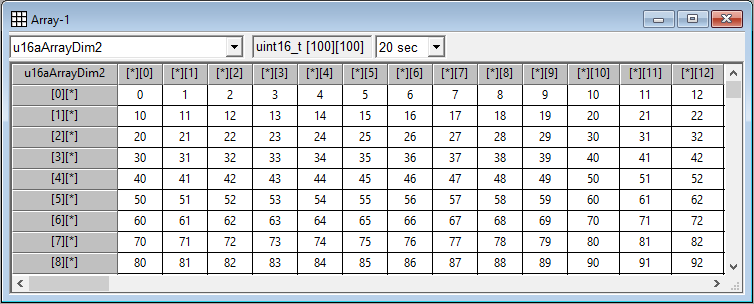
In Array window, the
values of array
variable which is one dimensional or two dimensional are displayed with
grid view.
Note that only visible cells
are updated to reduce the communication burden of MCU.
If the values of
numerous variables (including ones in other windows) are updated at the same time, the actual update interval will become
longer than the configured
value.
The
member of array should be fundamental type. Please use Tree window if the member
of array is structural variable type. You can
change its value by mouse left button or enter key.
You can use ‘copy-paste’.
Especially with Microsoft Excel program. Please select block by clicking column
or row of this array. You can select all by clicking the name
of variable. Note that it could take addtional communication time since easyDSP
first fills the empty cells (if any) before copying.